
Wi-Fi installation in Surrey
Dead spots upstairs, buffering on the TV and a garden office that can’t hold a video call. Our local engineers fix home and small business Wi-Fi with mesh systems, wired access points and proper network cabling.
What usually fixes it
We begin by measuring the signal room by room, so the fix matches the problem.

Mesh Wi-Fi
Two or three units that work as one network, placed using a signal survey rather than guesswork.

Wired access points
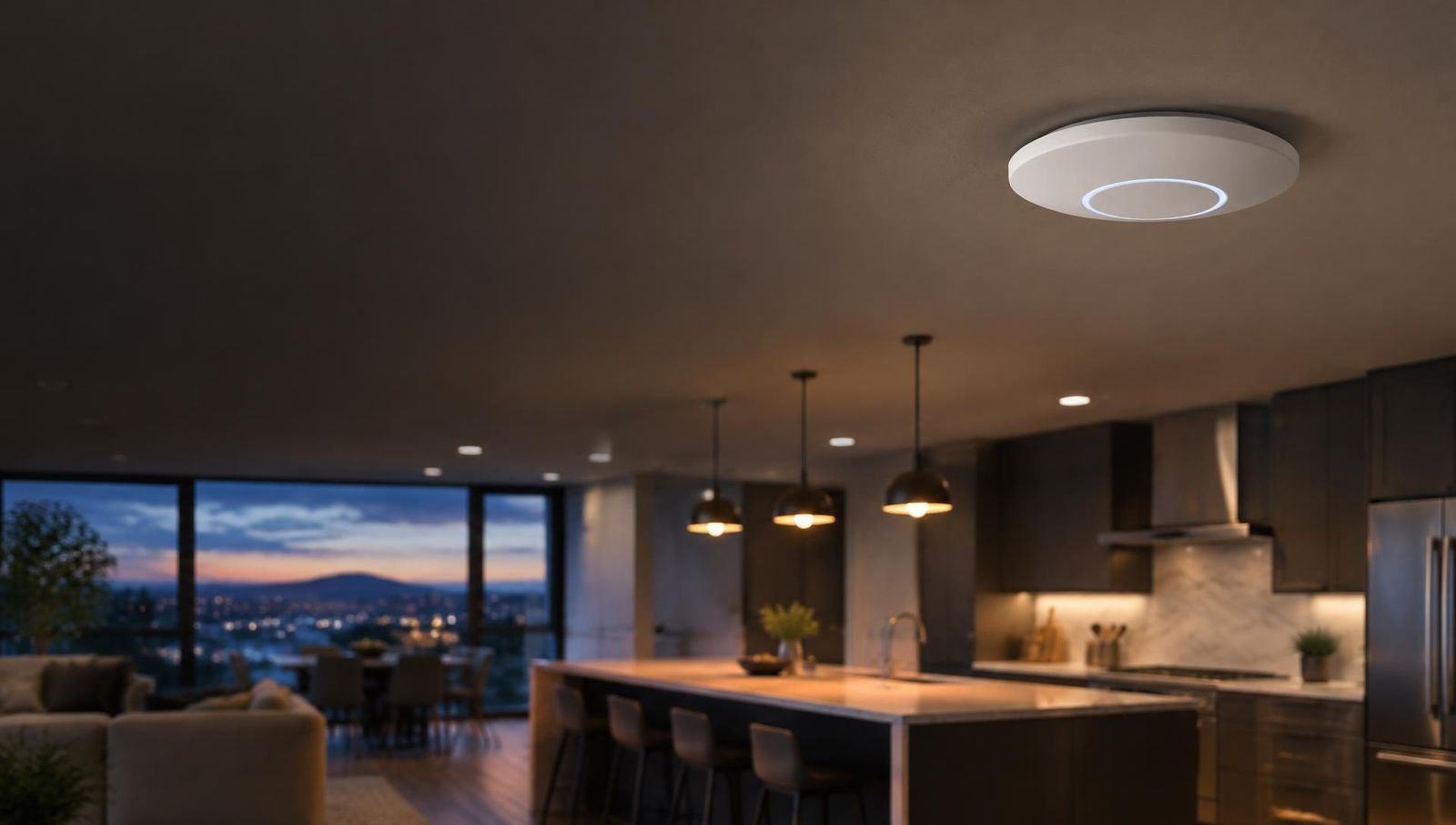
Discreet units on the ceiling or wall, each wired back to the router, for the fastest and steadiest coverage in larger homes.

Network cabling
Ethernet points to the TV, games console, desk and access points, run neatly inside walls and under floors.

Garden offices and outbuildings
A buried cable or a wireless bridge to the garden room, gym or annexe, so it’s on the same network as the house.

TVs and streaming
A wired connection for each streaming TV, so Sky Stream, Netflix and sport don’t buffer at the worst moment.

Cameras and smart devices
Doorbells, cameras and smart heating on a network that reaches the front door and the bottom of the garden.
Where do you need a strong signal?
Tap the rooms that matter. The drawing shows which ones a router by the front door is likely to reach, and where our engineers would add a wired access point.
Tap a room on the drawing or a button below.
Why Wi-Fi struggles in so many homes
The router supplied by your broadband company is built to a budget, not to fill a house. It usually lives by the front door where the line comes in, which is rarely the middle of the home.
Thick brick, chimney breasts, foil-faced insulation boards and underfloor heating pipes all absorb Wi-Fi. Older Surrey houses with thick internal walls, and new builds with foil-lined plasterboard, are both hard work for a single router.
The answer is usually to add access points nearer to where you use the internet, joined back to the router by a cable wherever we can. A wired link is far steadier than one device relaying another’s weak signal.
Signs your network needs help
If any of these sound familiar, the router is probably doing more than it can.
- Video calls freeze upstairs
- Calls and streaming fail first because they need a steady connection.
- Full bars, nothing loads
- A weak but connected signal is often worse than no signal at all.
- Smart devices drop off
- Doorbells, cameras and speakers far from the router lose touch.
- The garden office is cut off
- Outbuildings sit beyond the reach of indoor Wi-Fi.
- Plug-in boosters everywhere
- Range extenders halve the speed and often make things worse.
- Streaming buffers at night
- When everyone is online, a stretched network shows its limits.
Wi-Fi questions
Why is my Wi-Fi slow when my broadband is fast?
Often the broadband reaches the router fine but the Wi-Fi can’t carry it through walls and floors. Fixing the spread of the signal around the house usually fixes the speed.
Is mesh or wired access points better?
Mesh is quick to fit and fine for most homes. In larger or older houses with thick walls, access points cabled back to the router give faster, steadier results.
Can my garden office get proper Wi-Fi?
Yes. A buried network cable is best. Where digging isn’t practical, a pair of outdoor wireless bridge units can link the office to the house.
Will I need to change my broadband provider?
Usually not. We work with the router you have, or put it into a simple mode and let a better system handle the Wi-Fi.
Can you run network cables to my TVs?
Yes, and it’s the most reliable way to stream. We run cables inside walls or under floors wherever we can, with tidy wall plates.
Do you do small business Wi-Fi?
Yes, for offices, shops, cafés and surgeries, including separate guest networks so customers stay off your business devices.
Do I need to change my broadband provider?
Rarely. Most problems are inside the house. We work with the router you have, or put it into a simpler mode and let our access points do the work.
Is mesh Wi-Fi enough?
Mesh helps, especially when the units are wired together. Wireless-only mesh loses speed with each hop, so we cable it where we can.
Can you wire in the TV and games console?
Yes. A network socket behind the screen keeps streaming and online games running smoothly.
Book a Wi-Fi survey
Home and small business Wi-Fi fixed across Surrey, Kent, West Sussex and south London.
Wi-Fi installers across the region
Surrey
Redhill, Reigate, Guildford, Woking, Epsom, Dorking, Leatherhead, Camberley, Farnham, Godalming, Esher, Walton-on-Thames, Weybridge, Cobham, Staines and every town between. Surrey